
Self-Hosted Team Messenger and Video Conferencing Platform
A cutting-edge on-premises collaboration server with personal and group chats, UltraHD video conferences, and advanced AI-powered features — free for up to 1,000 users!

TrueConf Server 5.5.8 Update
Corporate messenger and video conferencing — even more features and easier management.

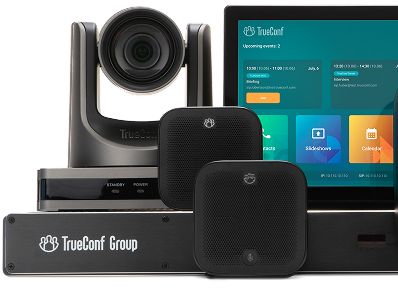
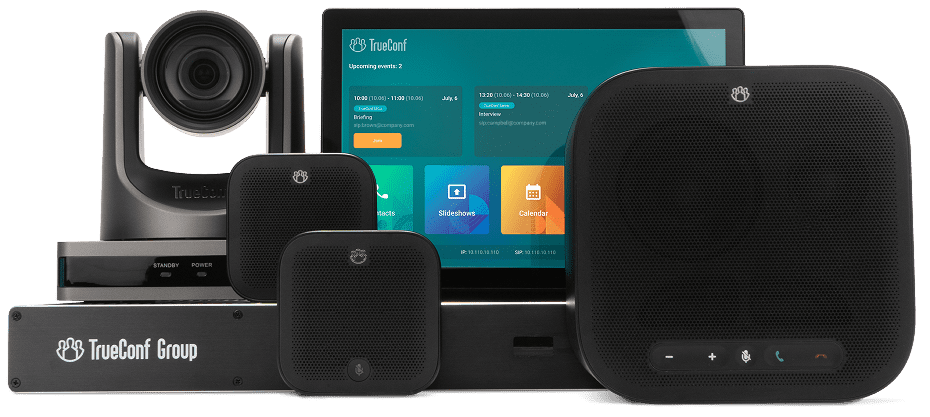
Meet TrueConf Group 2.1
New UI, tablet-based control, AI-powered auto-framing, and integration with TrueConf Calendar Connector.
Add-on for corporate calendar
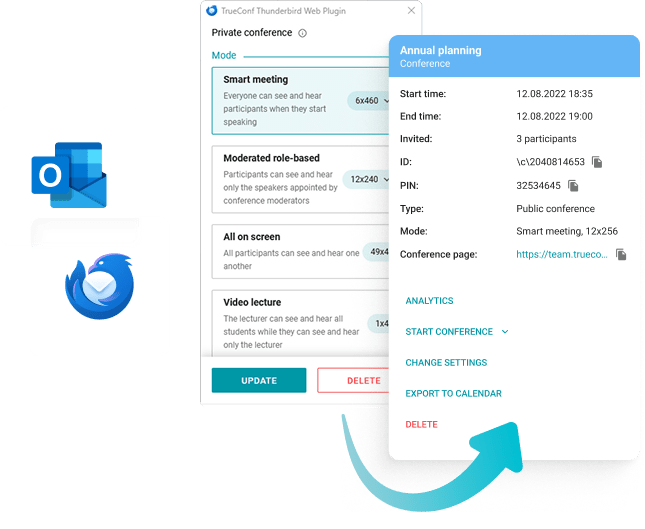
Add TrueConf conferences to any events in your calendar with a new version of our add-on for Microsoft Outlook and Mozilla Thunderbird.
The On-premises Core of Corporate Communications
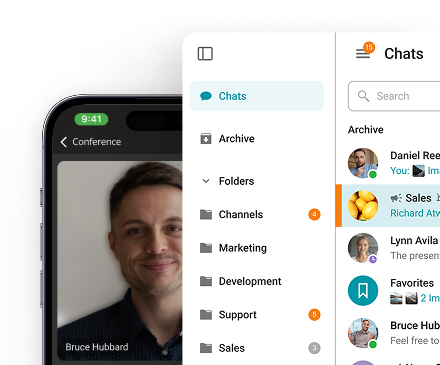
Team Messenger
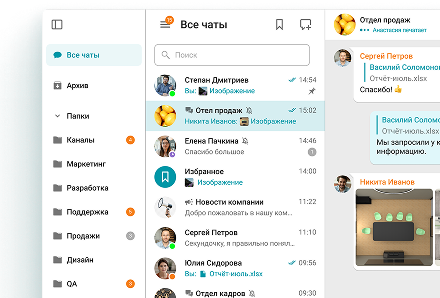
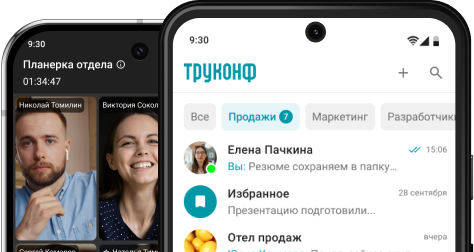
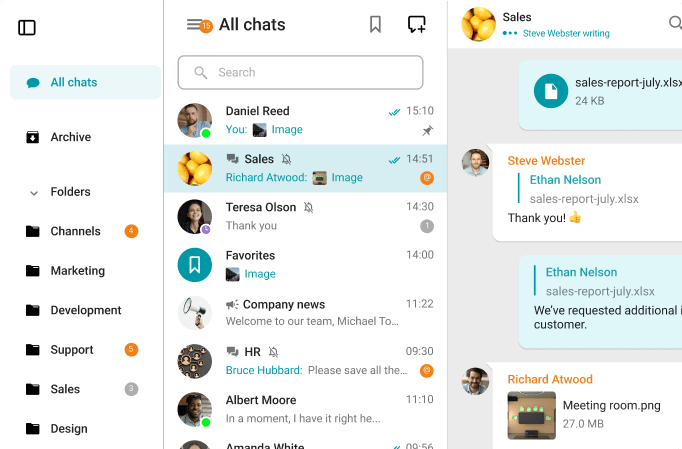
A single app for seamless collaboration — calls, chats, user presence, team channels, files & desktop sharing and beyond.
Learn more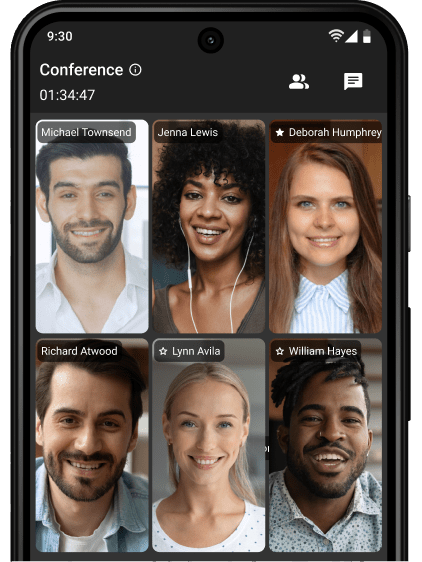
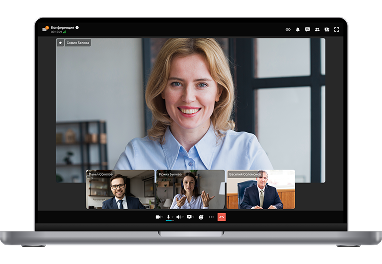
UltraHD Video Conferences
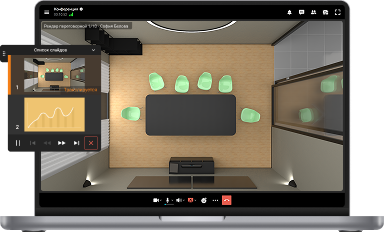
Create conferences on the fly gathering up to 2,000 participants in a meeting. Enjoy realistic communications with cutting-edge AI algorithms.
Learn more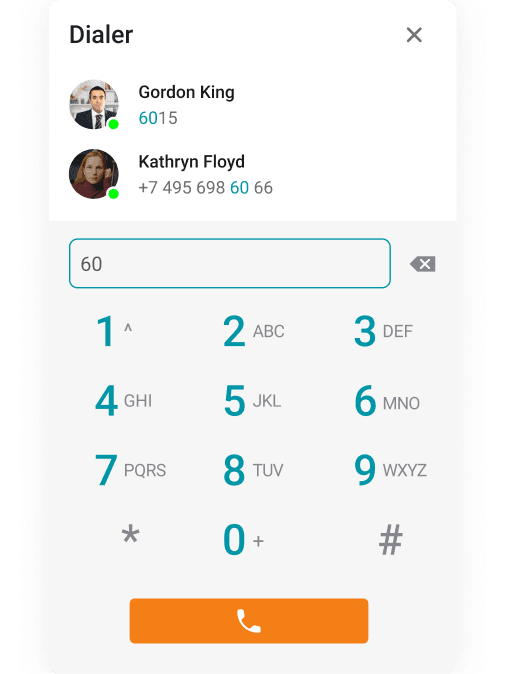
Telephony: Dial In & Out
Make phone calls and invite your PBX and external phone users to group video conferences.
Learn more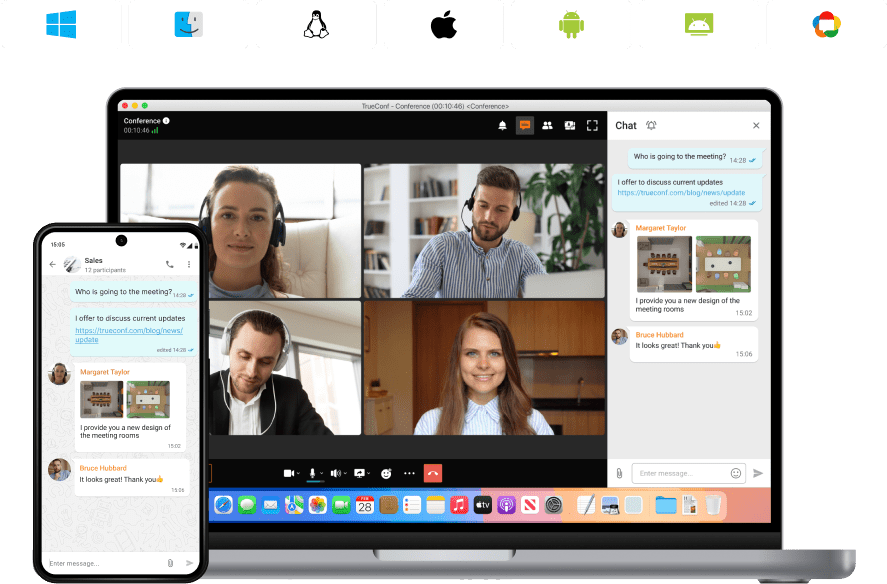
Syncing on all Devices
Switch devices seamlessly – your messages are always handy in desktop and mobile apps.
Learn moreAll Corporate Communications — in One Device
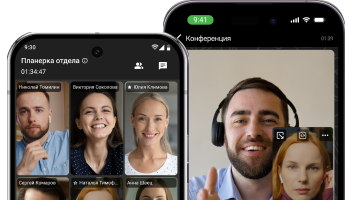
Host video meetings and discuss tasks with your team using the messenger on your Android, iPhone or iPad!
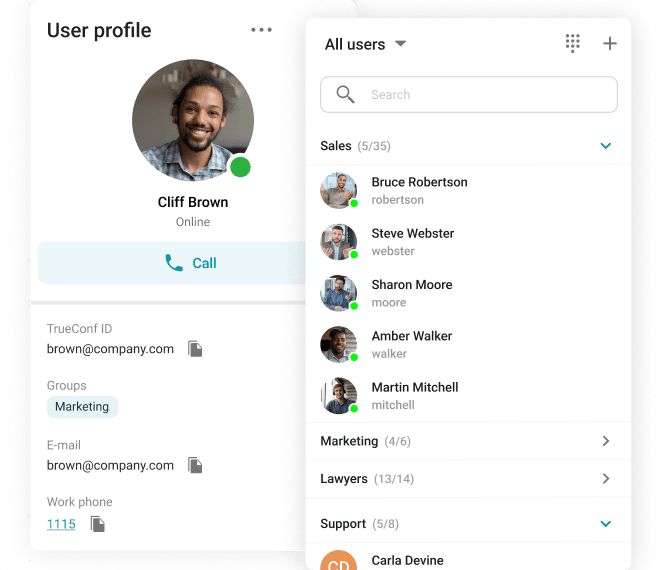
Unified Сommunications
Extended presence statuses and connections from multiple devices will allow you to stay in touch with colleagues at convenient times.
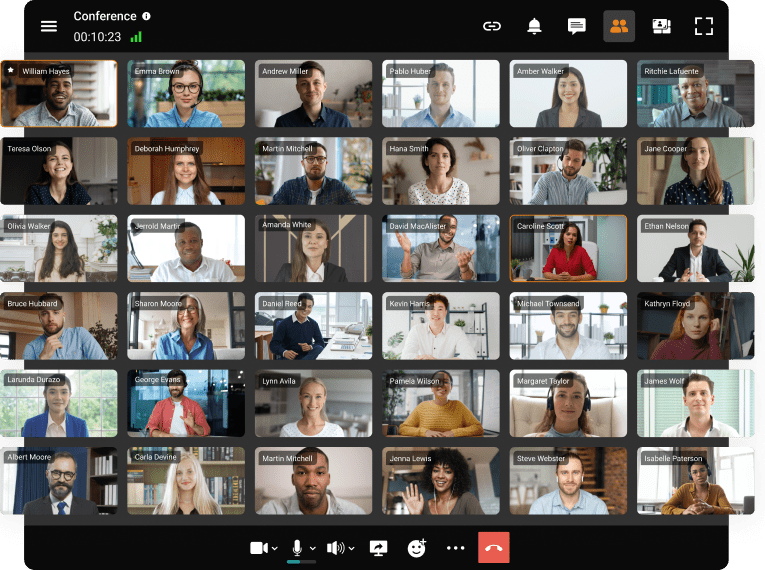
Up to 2,000 Participants in the Conference
Schedule online meetings from any convenient device and gather up to 2,000 participants in each of them.

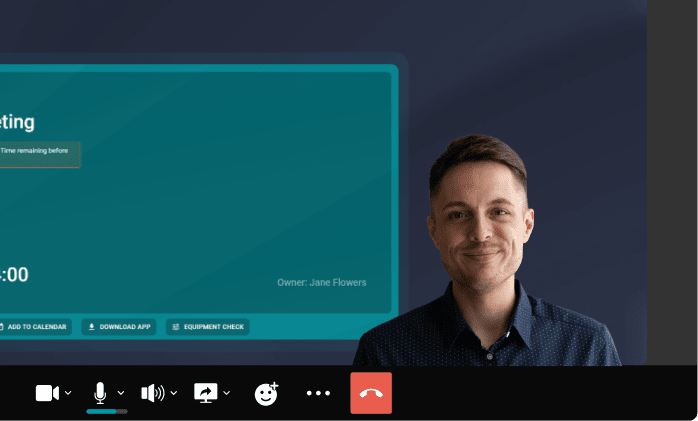
TrueConf Makes Collaboration Easy
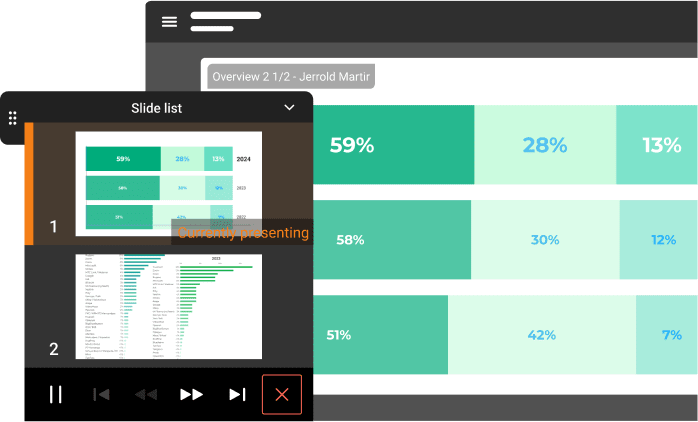
Share your screen, presentations, applications or white board
Upload documents in PDF, PPTX, and ODP for instant sharing
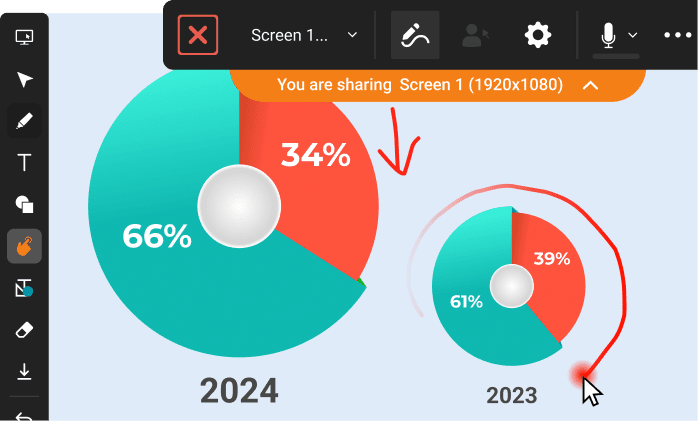
Highlight important moments
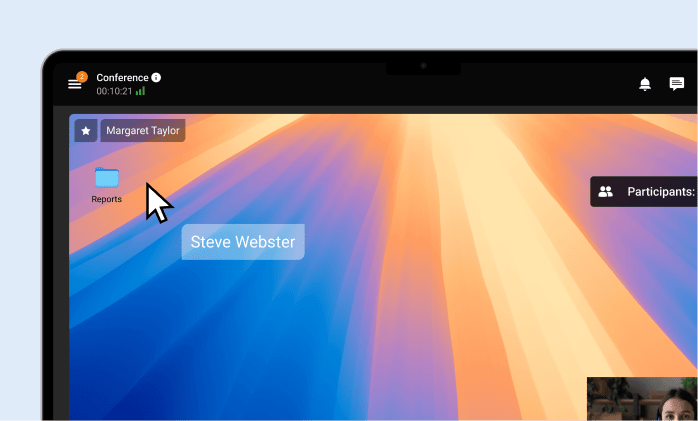
Remotely manage users' desktop
Built-in State-of-the-Art AI Tools
Enjoy advanced AI stay in focus with face tracking capabilities: eliminate noise, get extra privacy thanks to virtual backgrounds brand.
Smart Noise Suppression
Blurring and Replacing the Background
Transcription of the Meetings
TrueConf Server Network Scheme


Meeting Room Solutions
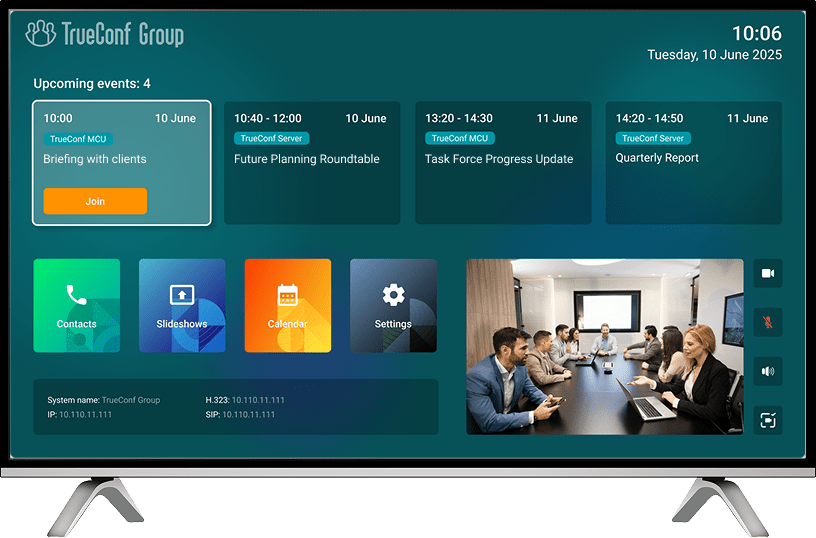


The top-performing video conferencing solution
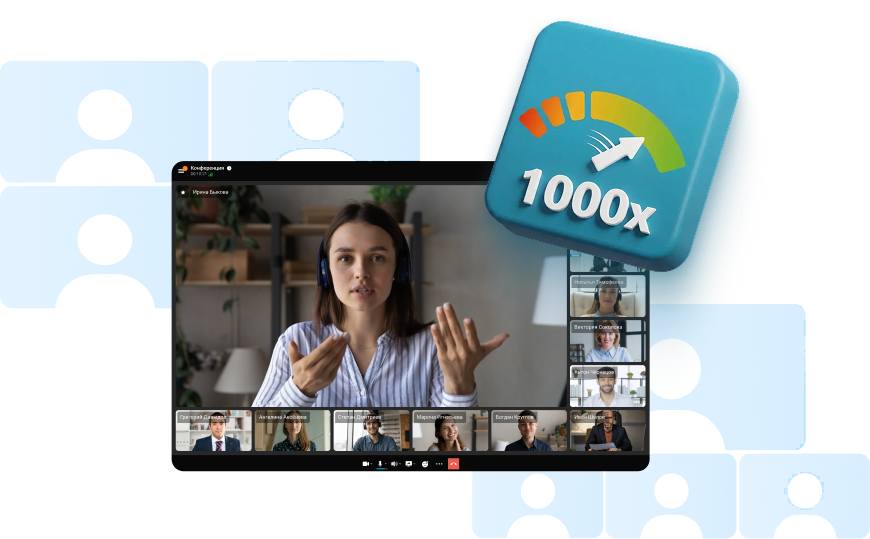
TrueConf Server effortlessly manages hundreds of simultaneous conferences and scales seamlessly to meet intense demand and large-scale deployments — all powered by our proprietary, ground-up video engine.

TrueConf Desktop Applications
A corporate messenger for video conferencing and secure communication.


TrueConf Mobile Applications
Organize video conferences and discuss tasks in chats from anywhere — all corporate communications in one mobile application!


Our Projects


Ministry of Public Security


Hindustan Aeronautics Limited (HAL)


Commercial Bank of Kuwait


Narora Atomic Power Station (NAPS)


Government of Lao People's Democratic Republic


Peel Regional Police


TrueConf Industry Solutions


Choose the Appropriate Solution


*sold separately